
Guides · 03
Understand clouds and missing imagery
An available catalogue record does not guarantee a clear, complete picture. Satellite Compare keeps missing areas visible and reports service failures separately, so you can judge the evidence before exporting.
Updated:On this page
Cloud percentage is a screening clueInspect the actual viewsTreat gaps as missing evidenceRecover from a failed loadCloud percentage is a screening clue
The reported range comes from whole catalogue granules intersecting the selected centre. Your frame can cover only a small part of those granules or extend beyond them. A low percentage can still place a cloud over your subject. Unknown metadata means unknown, not zero cloud.
Inspect the actual views
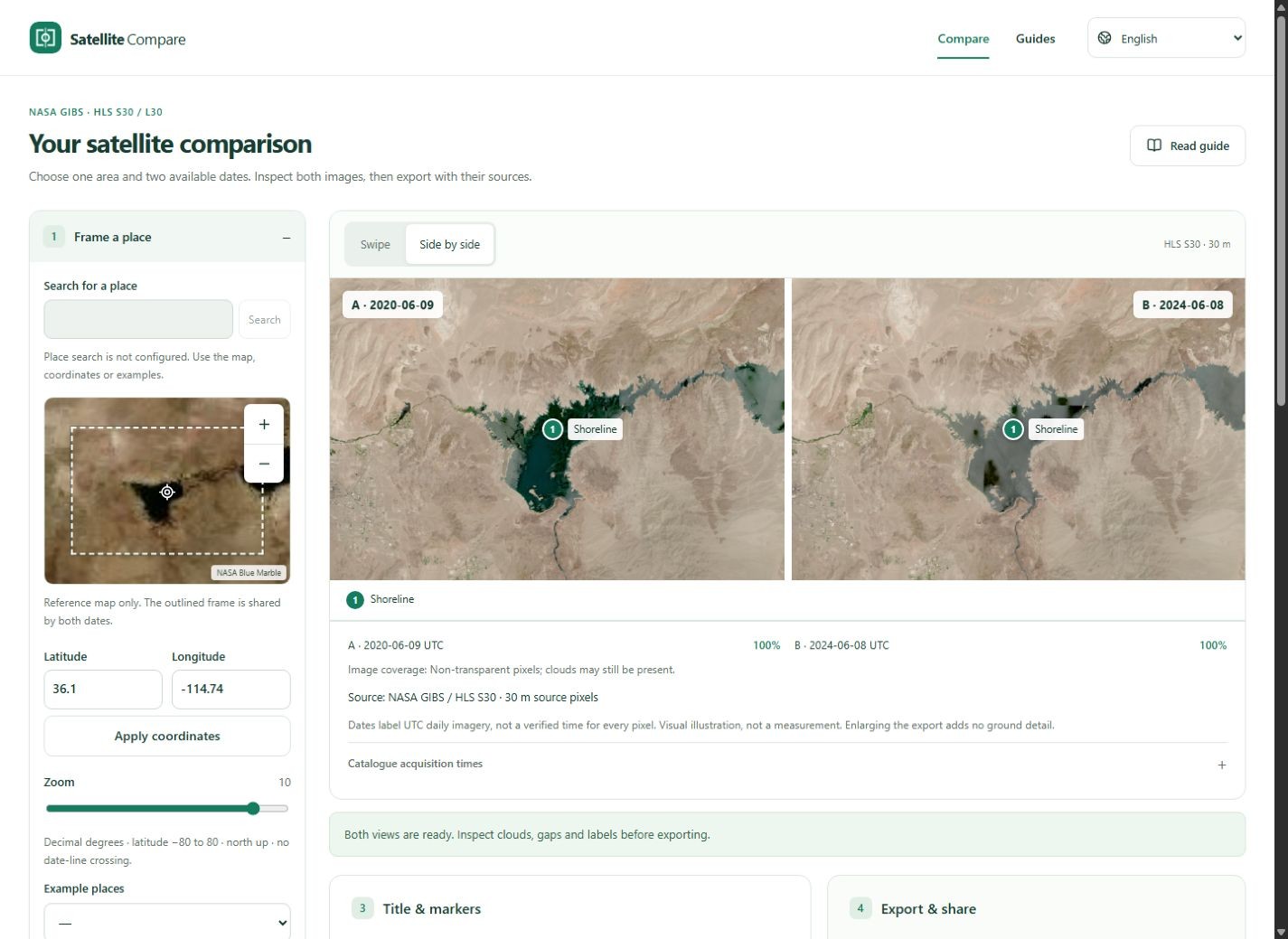
Look for bright cloud, haze, dark shadows and obscured landmarks in both images. Water can also look bright because of sun glint. This tool does not classify clouds or remove them. If the feature cannot be seen clearly, choose another available date and state that choice.
Treat gaps as missing evidence
The checkerboard shows transparent or absent imagery. Coverage is the proportion of non-transparent pixels in the composed frame; it is not a cloud-free percentage. A partially covered pair can still be useful if the subject is visible on both sides, but the gap warning belongs with the comparison.
Recover from a failed load
A failed network request, rate limit or decoding error is not evidence that an area has no observation. Retry after the service recovers, reduce repeated requests or search another date. All-empty frames cannot be exported. Do not replace gaps with a basemap and present the result as observed satellite coverage.