
Guides · 02
Choose dates that are fair to compare
A dramatic-looking pair is not always a fair comparison. Choose dates to answer a specific question, then check whether season, atmosphere or illumination could explain what you see.
Updated:On this page
Begin with one questionKeep the product consistentMatch the season where possibleRead the dates accuratelyBegin with one question
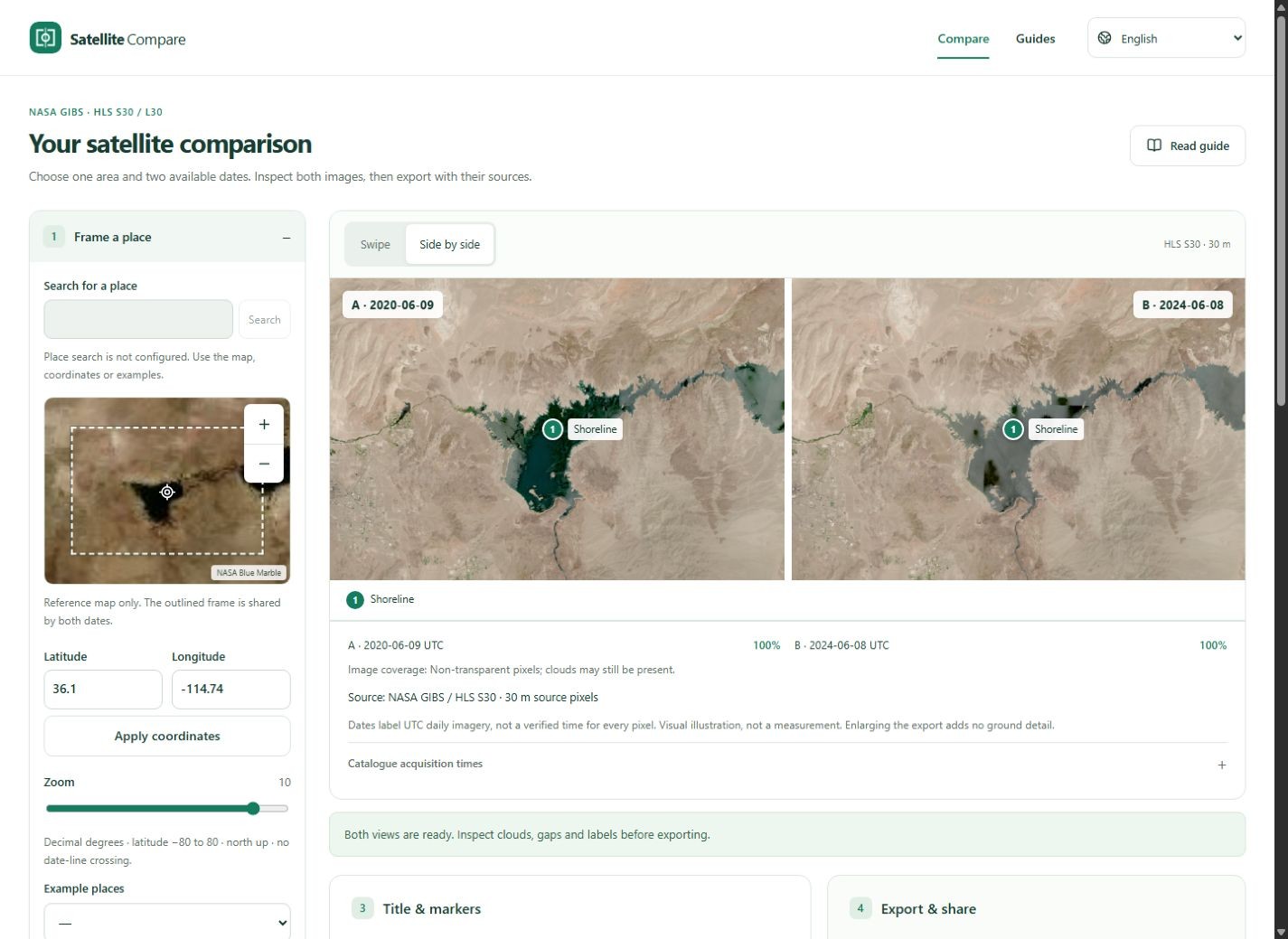
For a reservoir, you might compare the visible shoreline in the same month across two years. For development, look for persistent changes across a wider period. Write the question before choosing images so that an unusual colour does not become the reason for selecting a date.
Keep the product consistent
Use S30 for both sides or L30 for both sides. The tool keeps one product for a pair. Even within a product, observation geometry and processing can vary. Do not treat a colour difference as a calibrated measurement or use the displayed colours to calculate vegetation indices.
Match the season where possible
Similar months can reduce differences from snow, vegetation and sunlight, but do not guarantee matching conditions. Inspect clouds and shadows independently. If one date is unusable, search nearby and explicitly select an alternative. Keep the changed dates in the final caption.
Read the dates accurately
The image label is a UTC daily-product date. Catalogue acquisition times describe matching granules near the chosen point, not every visible pixel. Global service availability does not guarantee local coverage. If your question needs precise timing or original spectral data, follow the catalogue source and use a suitable scientific workflow.